

Kubernetes Multi-Cluster
Management Platform
A native macOS and iOS app for managing multiple Kubernetes clusters. Get real-time pod logs, terminal access, and cluster insights — all from your desktop and pocket.
Secure by design
Direct connection, no relay
k8z connects straight to your Kubernetes API server. No cloud relay, no data proxy — your cluster traffic stays between your device and your cluster.
Credentials stay local
Kubeconfig files and cluster credentials are stored in the platform secure store. Nothing is ever uploaded to a k8z backend.
Face ID / Touch ID unlock
End-to-end encrypted traffic and biometric protection for the app and your cluster credentials.
Features
Multi-Cluster Management
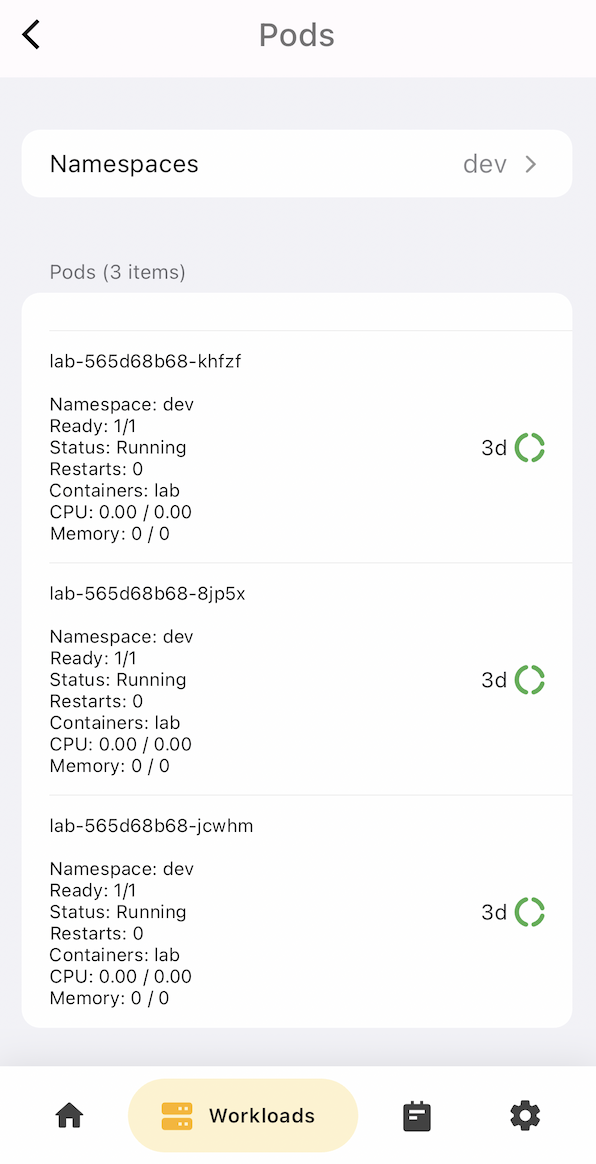
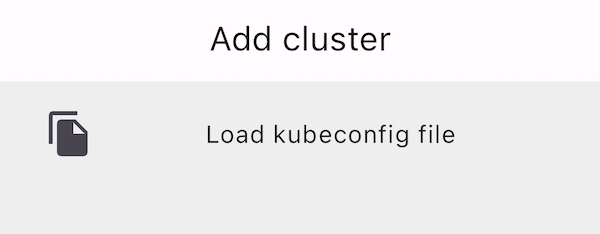
Switch between clusters instantly. Manage kubeconfig from multiple sources — local files, Cloudflare Tunnel, and custom API servers.
Real-Time Monitoring
Monitor CPU, memory, and network usage across namespaces and nodes. Get push notifications for resource anomalies.
Pod Terminal
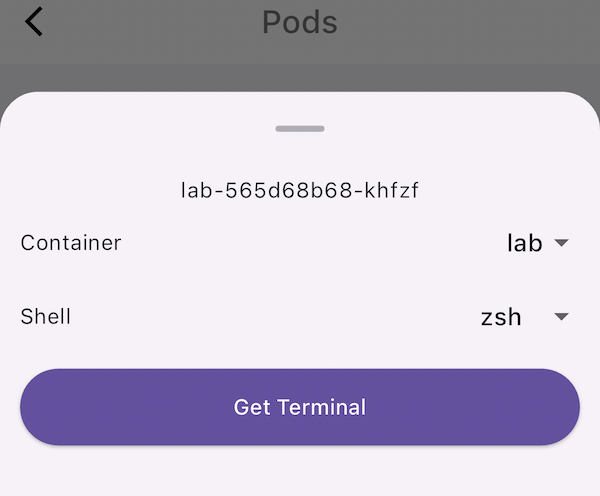
Open interactive shell sessions to any pod. Full terminal emulation with copy, paste, and multi-session support.
YAML Export
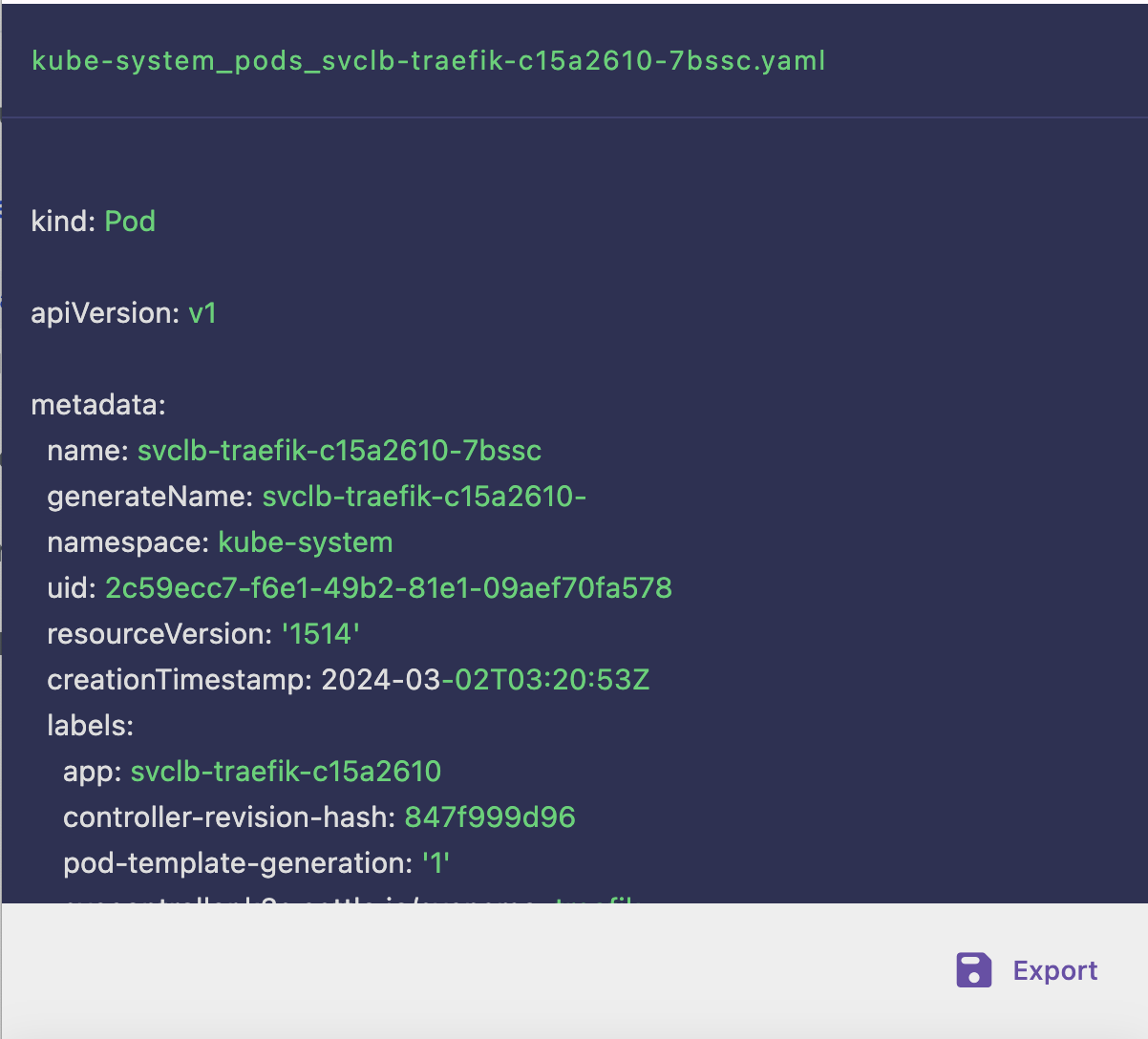
View and export Kubernetes resource YAML definitions. Edit and apply changes directly from the app.
iPad & Mac Split View
Optimized for iPad split view and macOS multi-window. Monitor clusters side by side, or keep an eye on pods while editing YAML.
Secure by Design
All traffic is end-to-end encrypted. No cloud relay — connect directly to your API server. Face ID / Touch ID unlock supported.
Comparison
| Feature | k8z | kubectl | Web Dashboard |
|---|---|---|---|
| Multi-cluster switching | Instant, visual | Manual context switch | Limited |
| CPU / Memory monitoring | Real-time graphs | CLI commands only | Basic overview |
| Pod terminal | Multi-session native | Single terminal | Web terminal |
| Push notifications | Yes | No | No |
| iOS / iPad support | Native app | No (SSH workaround) | Mobile web |
| macOS native | Native SwiftUI | Terminal only | Browser only |
| Offline access | Cached clusters | No | No |
| Face ID / Touch ID | Supported | No | No |
FAQ
Do I need a cloud account to use k8z?
No. k8z connects directly to your Kubernetes API servers. There is no cloud relay, no data proxy — your cluster traffic stays between your device and your cluster.
Does k8z support multiple clusters?
Yes. You can add clusters from kubeconfig files, Cloudflare Tunnel credentials, or direct API server URLs. Switch between them instantly from the sidebar.
Can I use k8z on iPhone and iPad?
k8z is available as a universal iOS app that runs on iPhone and iPad, with full support for iPad split view and Stage Manager. It is also available as a native macOS app.
Is k8z open source?
Yes. The source code is available on GitHub Community contributions are welcome.
How is k8z different from Lens or OpenLens?
k8z is built from the ground up as a native SwiftUI app for Apple platforms (iOS, iPadOS, macOS). It is lightweight (under 10 MB), starts instantly, and integrates with system features like Face ID, Push Notifications, and Split View. Lens and OpenLens are Electron-based desktop-only apps.
How do I contribute or report bugs?
Open an issue or pull request on the k8z GitHub repository. For security issues, please email the maintainers directly.
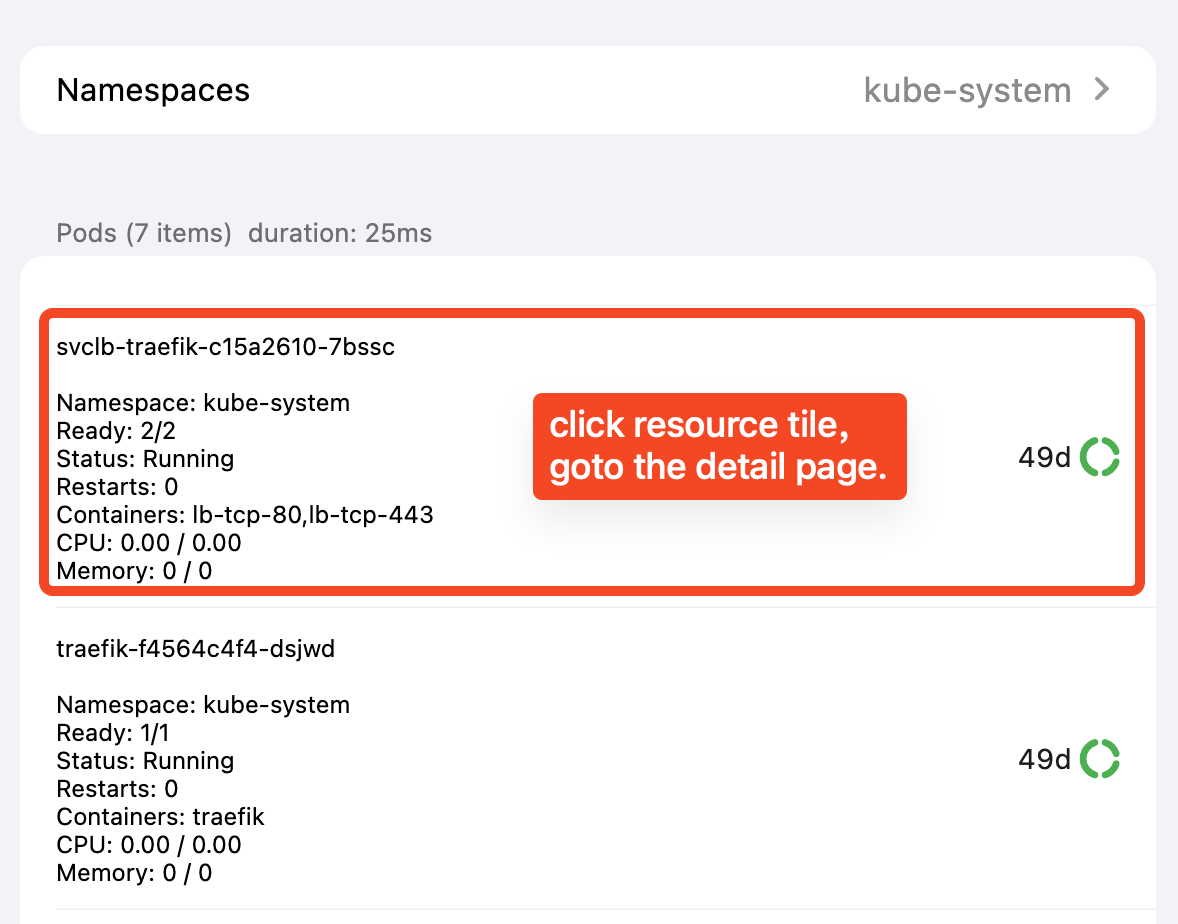
See it in action
Recent updates
v1.5.0
Iterative upgrade and bug fixes: edit kubeconfig, namespace and endpoint details.
Full changelog →v1.3.0
Actions for details page, logs & terminal modals, pull-to-refresh across lists.
Full changelog →Get Started with k8z
Download today and manage your Kubernetes clusters from anywhere.